
February 17, 2016
The iBooks Store: Stairway to Oblivion
So let’s all do this exercise together, shall we?
Let’s say that you want to find one of my books on iBooks, but you’ve never been on iBooks and don’t have an account there. So the first thing you do is Google iBooks, which gives you this:
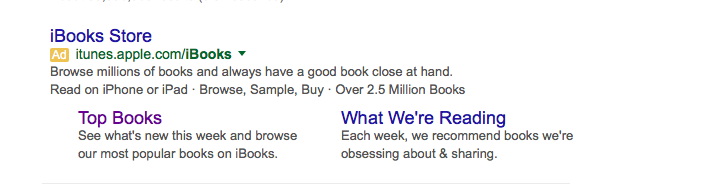
So let’s say you click the link to “iBooks Store,” which is the one right at the top of the page, and the one that Apple is paying Google to display.
Now if you’ve already downloaded the iBooks application, you’ll get a page of the Amazon top sellers. But you’re looking for me, remember, so you click the little search icon at the top of the page and put in my name. And this is what you get.
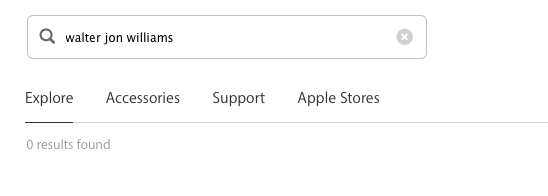
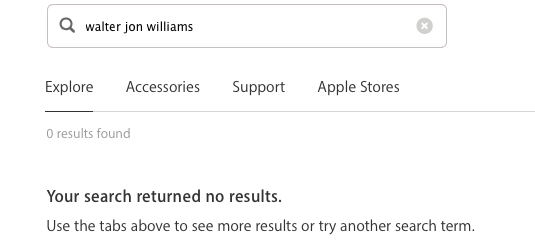
That’s right! ‘Zero results found,” despite the fact that I’ve got over forty items for sale on iBooks.
And in fact that will happen with a lot of writers.
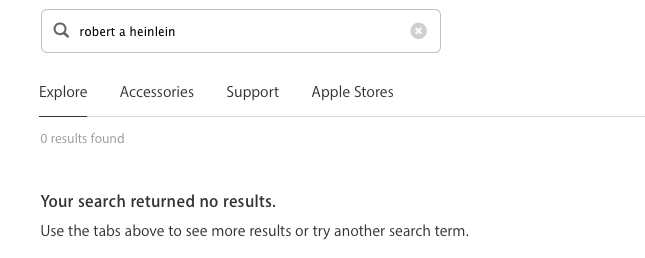
Now some really huge-selling authors will produce results.
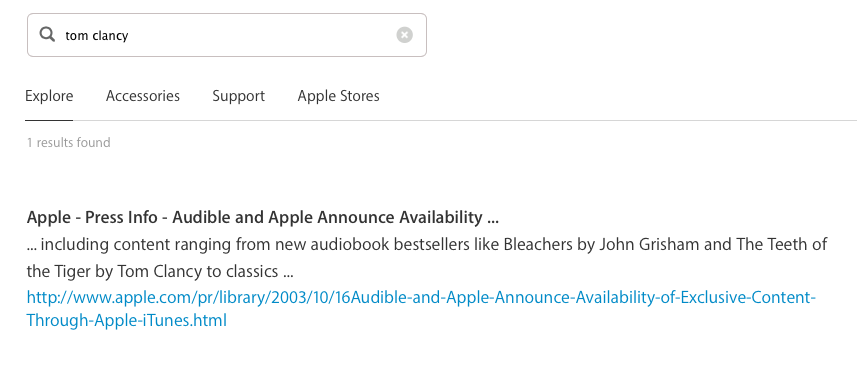 You’ll see that we actually got a link. But if you click the link, you’ll only be directed to a press release about Tom Clancy audio books, with no links to the audio books themselves.
You can’t search for a book using the iBooks search function! In fact you can’t even find iBooks itself using the iBooks search function, you’ll just get sales releases about various iBooks related software.
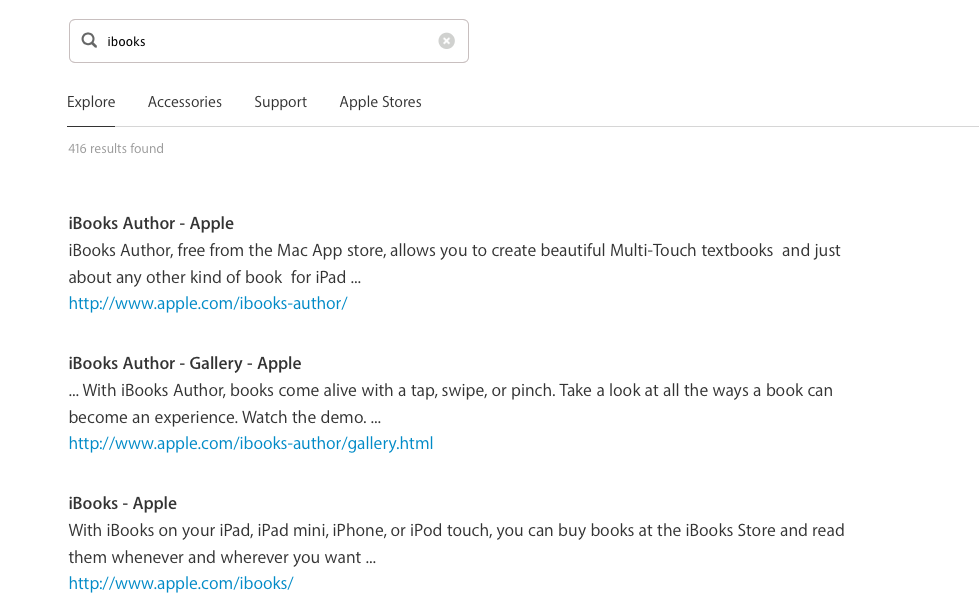
Have we found a book yet? Why, no.
So now let’s say that you’re getting frustrated, and for some reason you don’t click straight over to Amazon, so you go back to your original Google search.
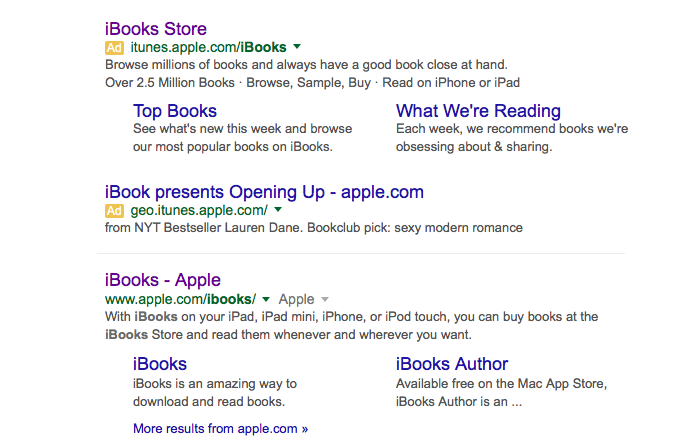
And you notice that there’s another link below the one that you clicked, www.apple.com/ibooks/, and you click on that. And what you get is a very, very long page (too long for me to add a screenshot here), and it’s full of advertising about how wonderful and convenient iBooks is, except that you can’t find or link to an actual ebook from there!
So now, assuming you’re not completely fed up and on your way to Amazon, you go back to the first page and you actually download the iBooks software. (Except I don’t know why you would, because you don’t know you if you want it yet, or whether you can find what you want using that software!)
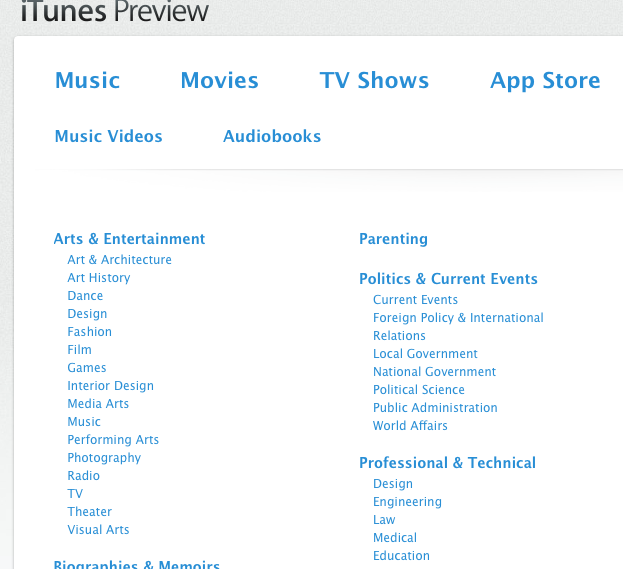
So if you fire up that software, you’ll get a page from iTunes (not iBooks), but it will at least have categories of fiction listed, of which the screen shot below is a partial excerpt.
Now you don’t need most of this stuff, so you notice there’s a search function at the top of the page. So you search for me. Here’s what you get.
 So you have maybe heard I’m a science fiction writer, so you click on the science fiction tab. And you get a whole long list of titles, alphabetically arranged.

But let’s say you don’t know, or you can’t remember, any of my titles. So you use the search function for my name.
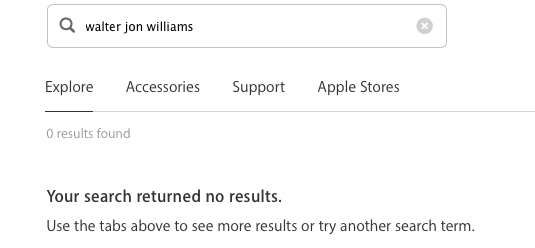
So instead you go to Amazon. No, you don’t do that (God knows why), and you remember one of my titles, and you do a couple more clicks to find it.

So you click on “Voice of the Whirlwind,” and you actually get my book! Which has a link to my name which will bring up my other books! Yay!
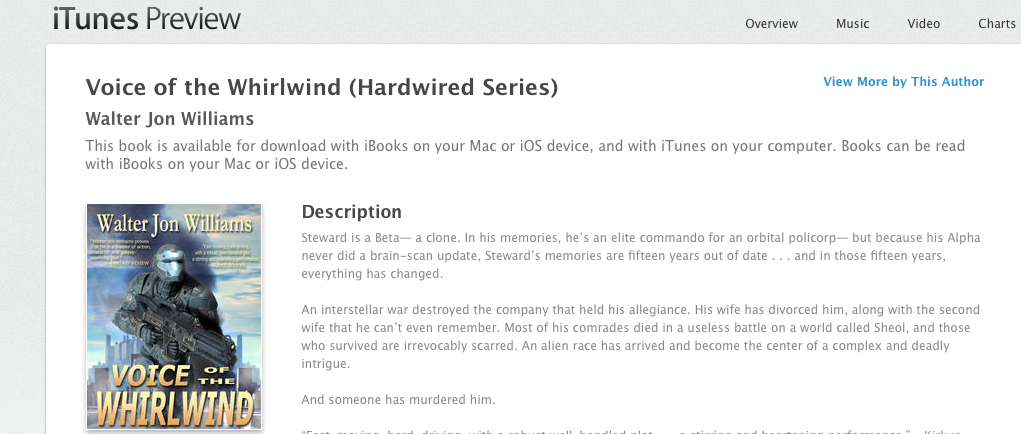 Now there’s an alternate way to do this, which to use the search function on the little iBooks popup that appears when you click on the iBooks software which for some reason you’ve just downloaded without any clue that it will actually give you what you want.
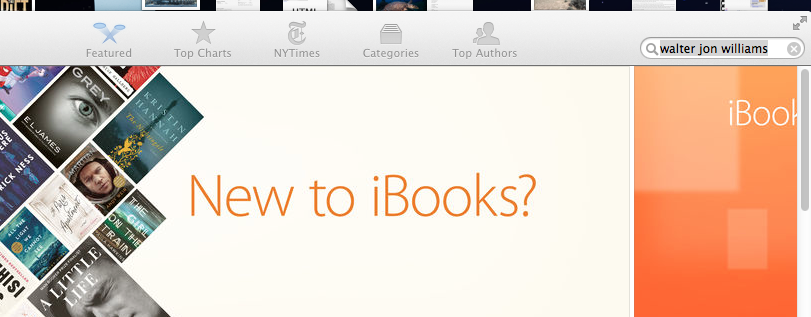 And there! You’ve found my books on iBooks!
Or you could just go to Amazon and use the search bar at the very top of the very first page!
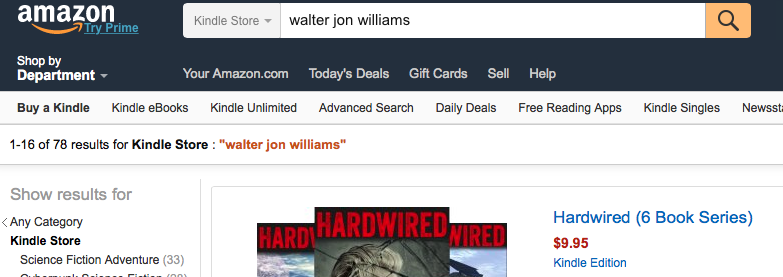
All of which is by way of pointing out that Amazon will be ruling the entire world in about ten years, because nobody else is as smart as them, except maybe Google. But the guys who run Google don’t seem to actually want to rule the world, and Jeff Bezos does.
All hail our new overlord! And may Bezos bless you.
Reader responses
Comments
Be the first to respond.